The work is done. Tracking who owes you shouldn’t be a second job.
Every gig, client, and dollar. One command-center.
Quag keeps every job, company, contact, expense, document, and payment in one place — from first lead to final payment. Stop juggling spreadsheets, apps, and notes.
Free to start · no card · works on your phone (add to home screen)
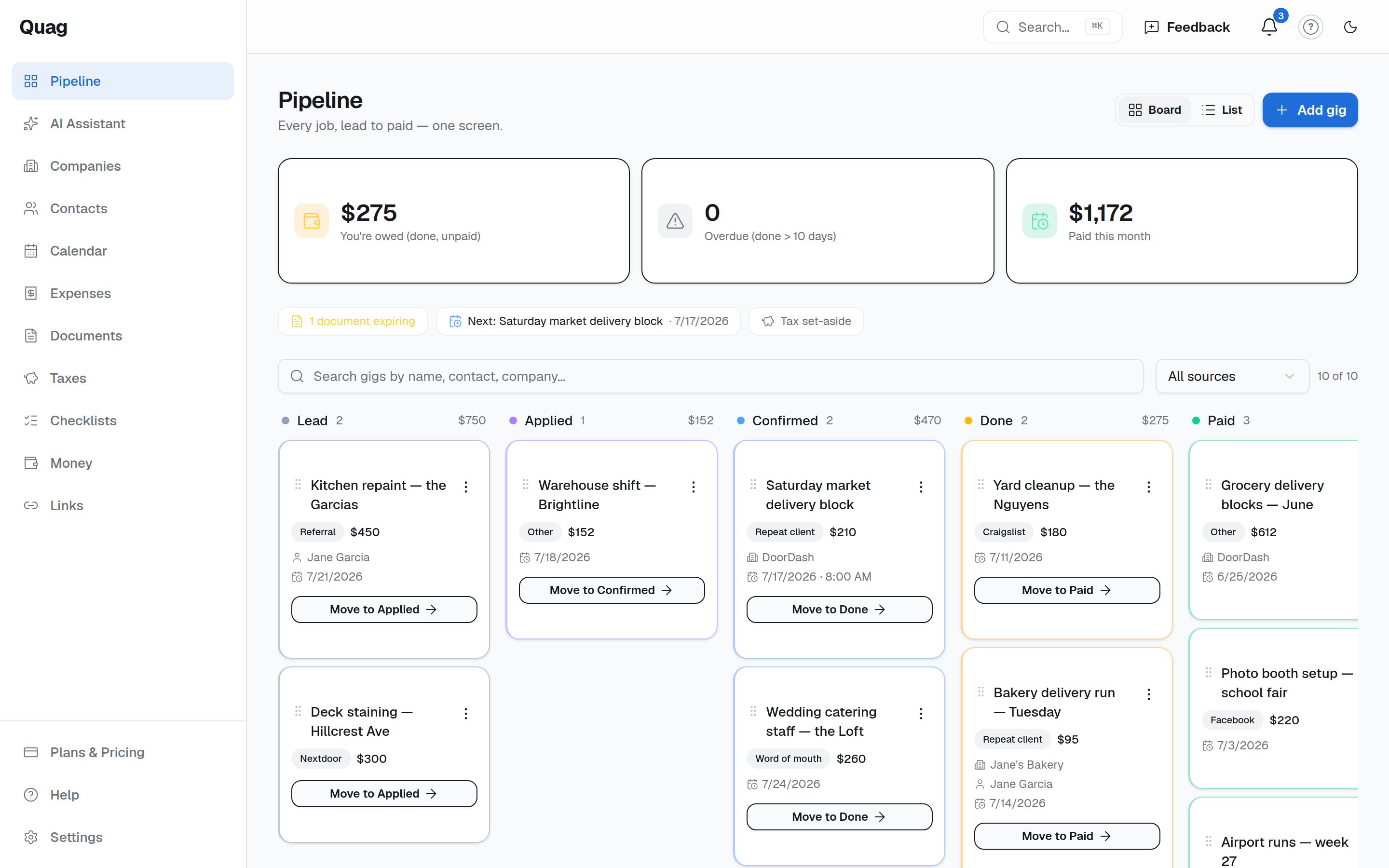
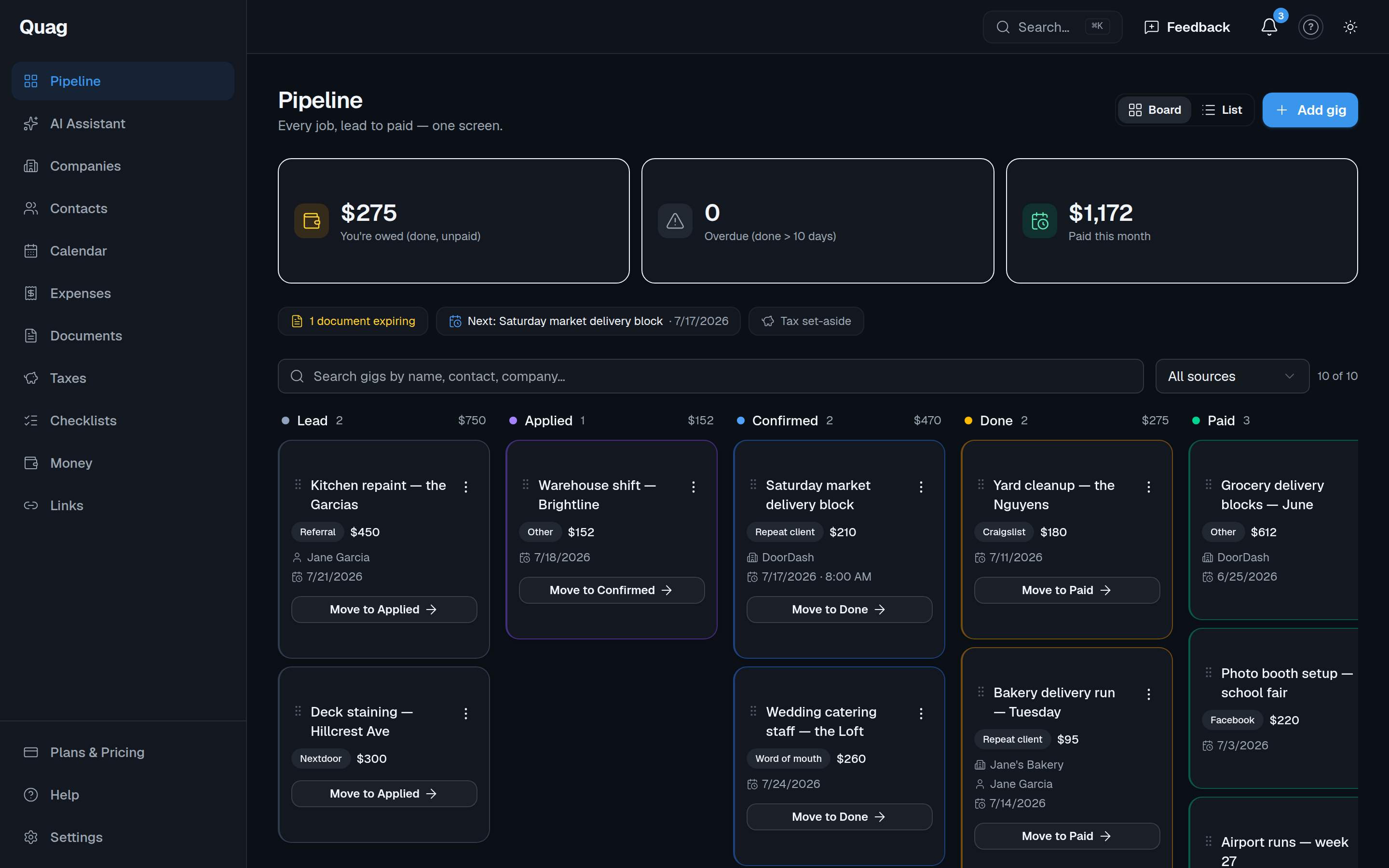
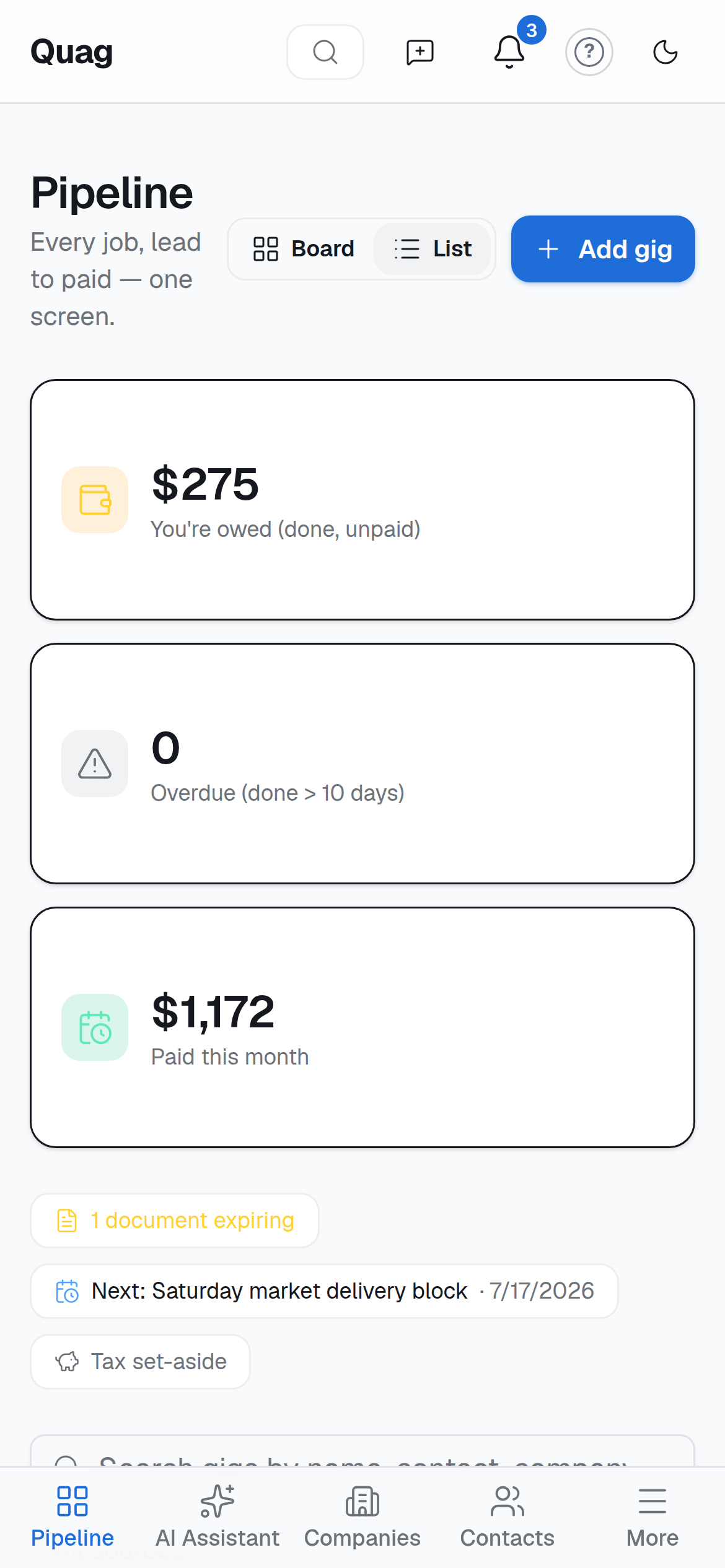
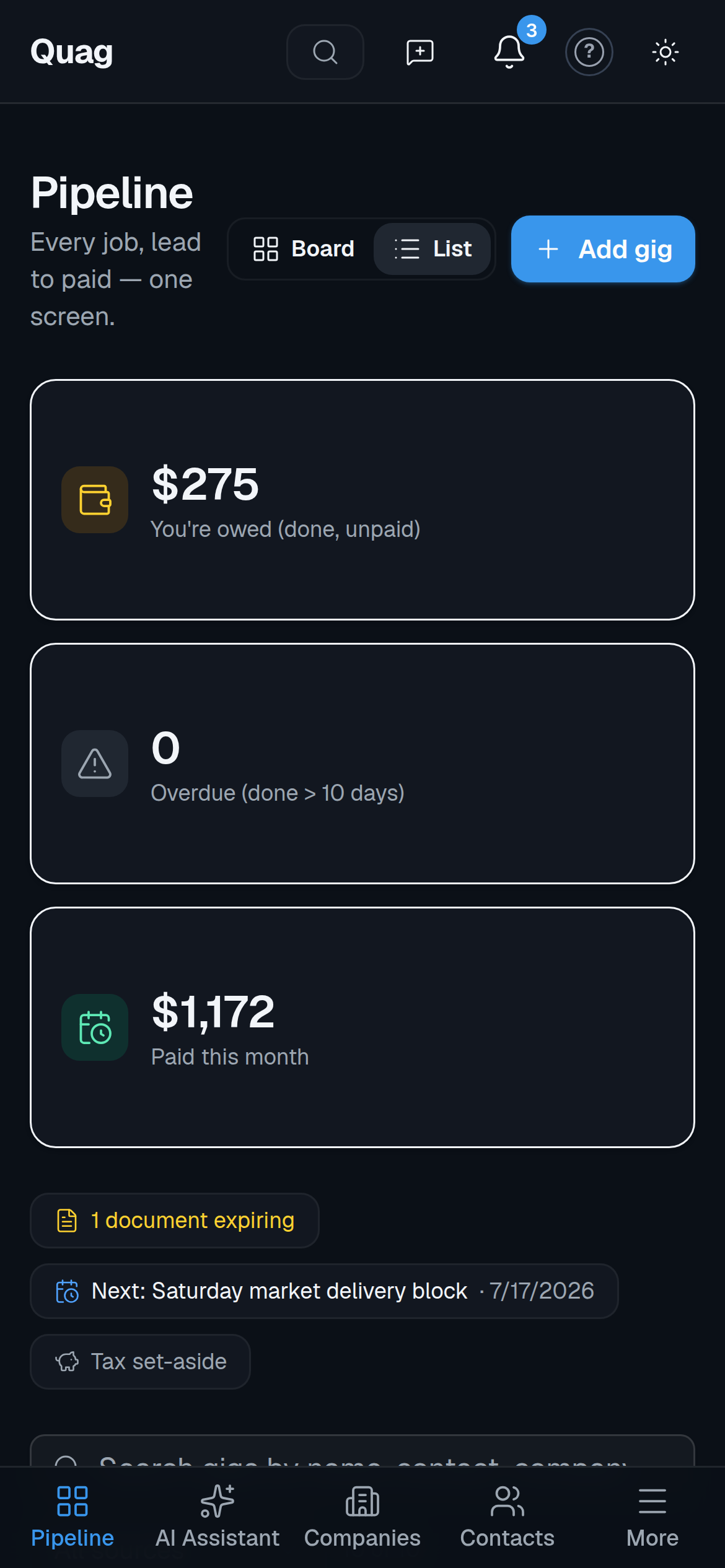
Your whole pipeline — Lead, Applied, Confirmed, Done, Paid — on one screen.
When your income comes from ten places, the mess is the job you didn’t sign up for
- •You finished the job — but which app was it, and did they pay yet?
- •A certificate lapsed and you found out when you lost the booking.
- •Tax time is a scramble through texts, receipts, and three spreadsheets.
- •You can’t say, right now, exactly how much you’re owed.
Quag puts all of it under one roof — so the tracking takes care of itself and you just do the work.
Not another app to juggle
It’s the one you open instead of the other ten
Quag doesn’t replace where you get the work — it sits on top of all of them. Nothing to download from an app store: it runs in your browser and adds to your phone’s home screen like a real app. Free to start, no card.
Know your numbers
Log a mile, know your deduction. Log a gig, know your tax set-aside.
Quag values mileage at the IRS rate as you go and estimates what to park for quarterly taxes — straight from the income and expenses you’ve logged.
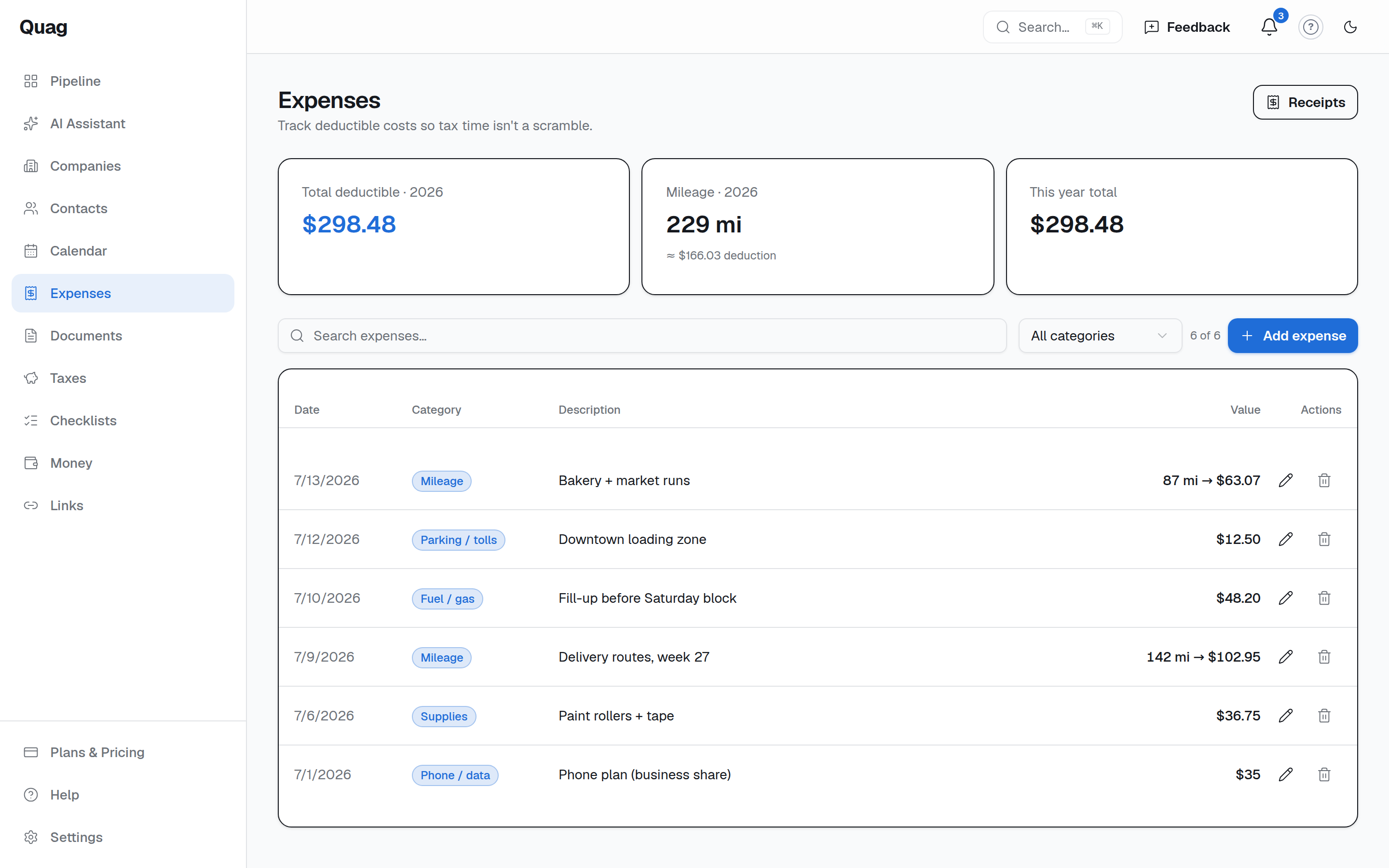
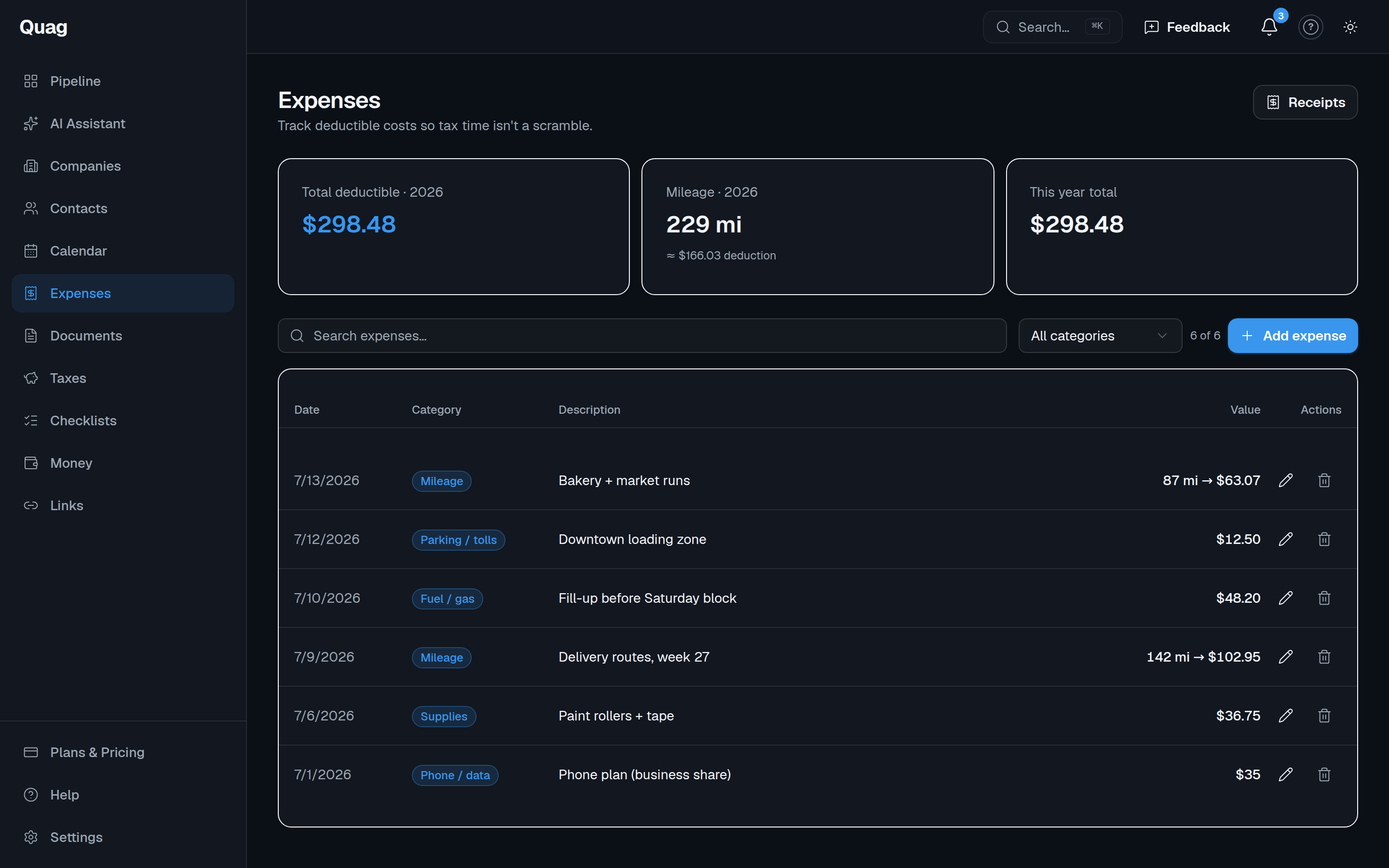
Expenses + mileage, deduction-ready.
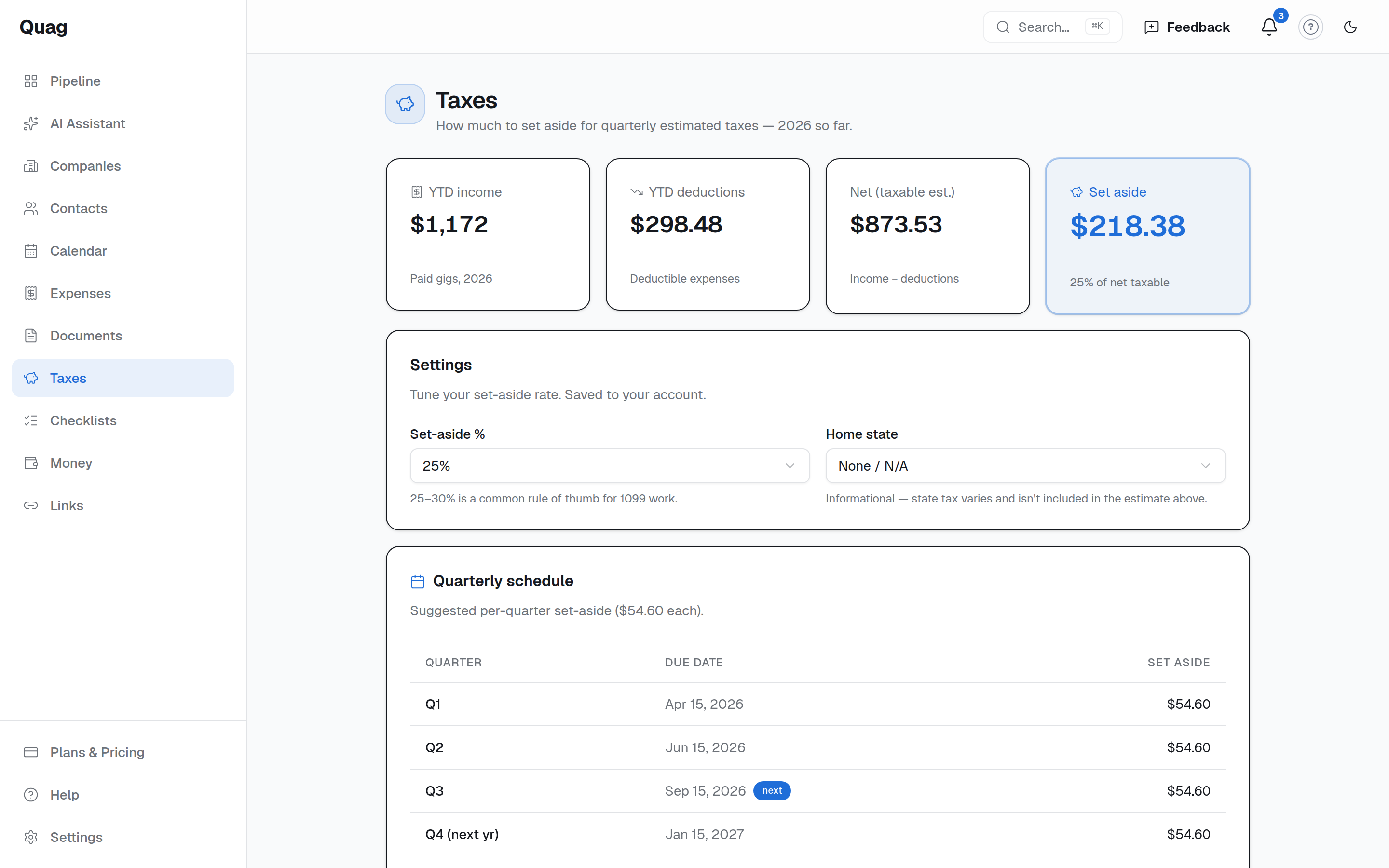
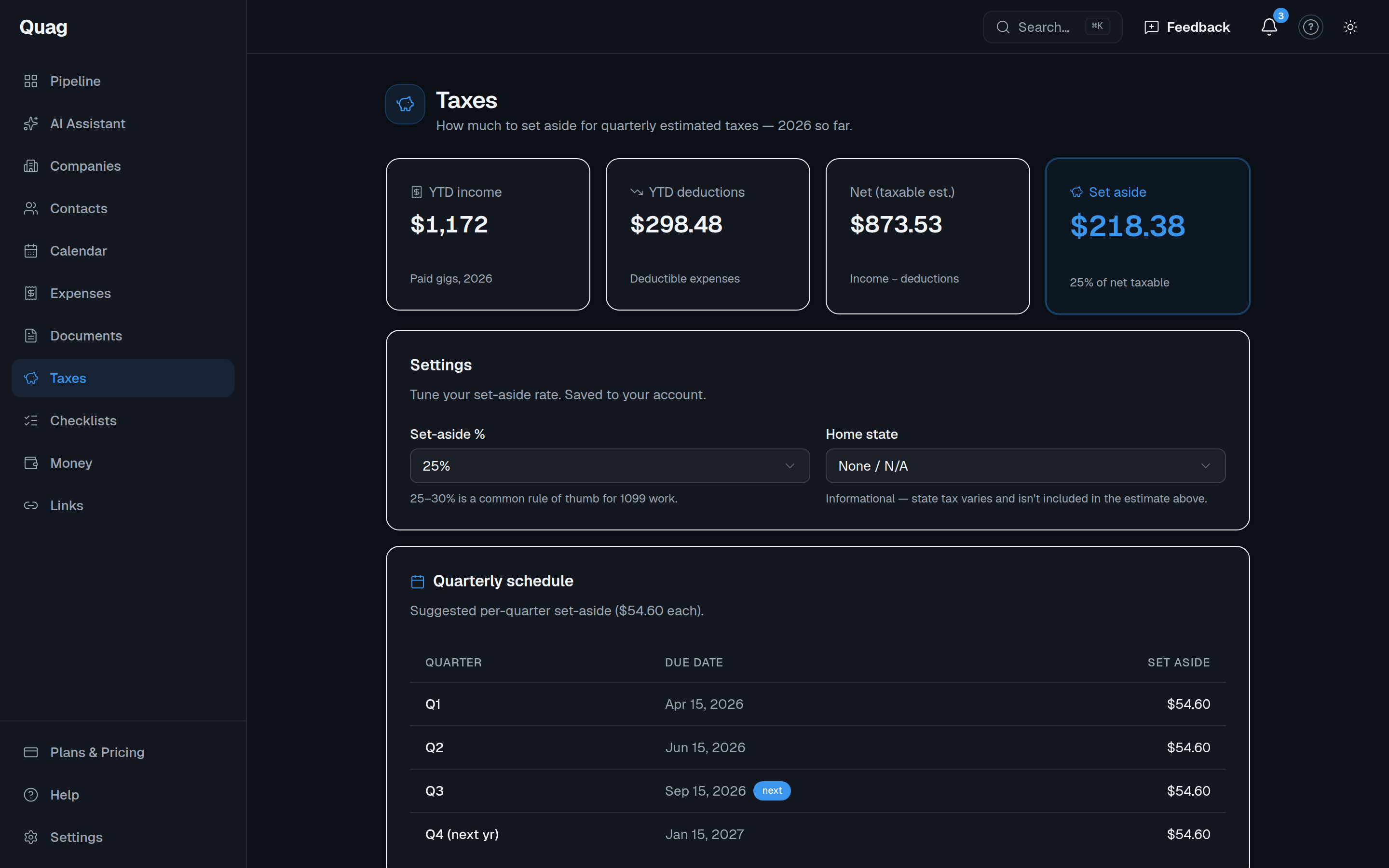
A running tax set-aside so April isn’t a surprise.
How it works
Up and running in three steps
No setup project. Add your work and Quag does the keeping-track for you.
Add your work
Drop in your companies, jobs, and contacts once. Quag becomes the single place you open instead of ten apps.
Track lead to paid
Move each job across the pipeline and log expenses and miles as you go. Always see what’s owed and what’s overdue.
Stay on top
Reminders for renewals, a running tax set-aside, and expiry alerts on every document keep you ahead.
Features
Everything you’re tracking in your head — in one place
The whole back office for independent work, built to be opened ten times a day from your phone.
One pipeline, lead to paid
Every job on one board — Lead, Confirmed, Done, Paid. Always know what you’re owed and what’s overdue.
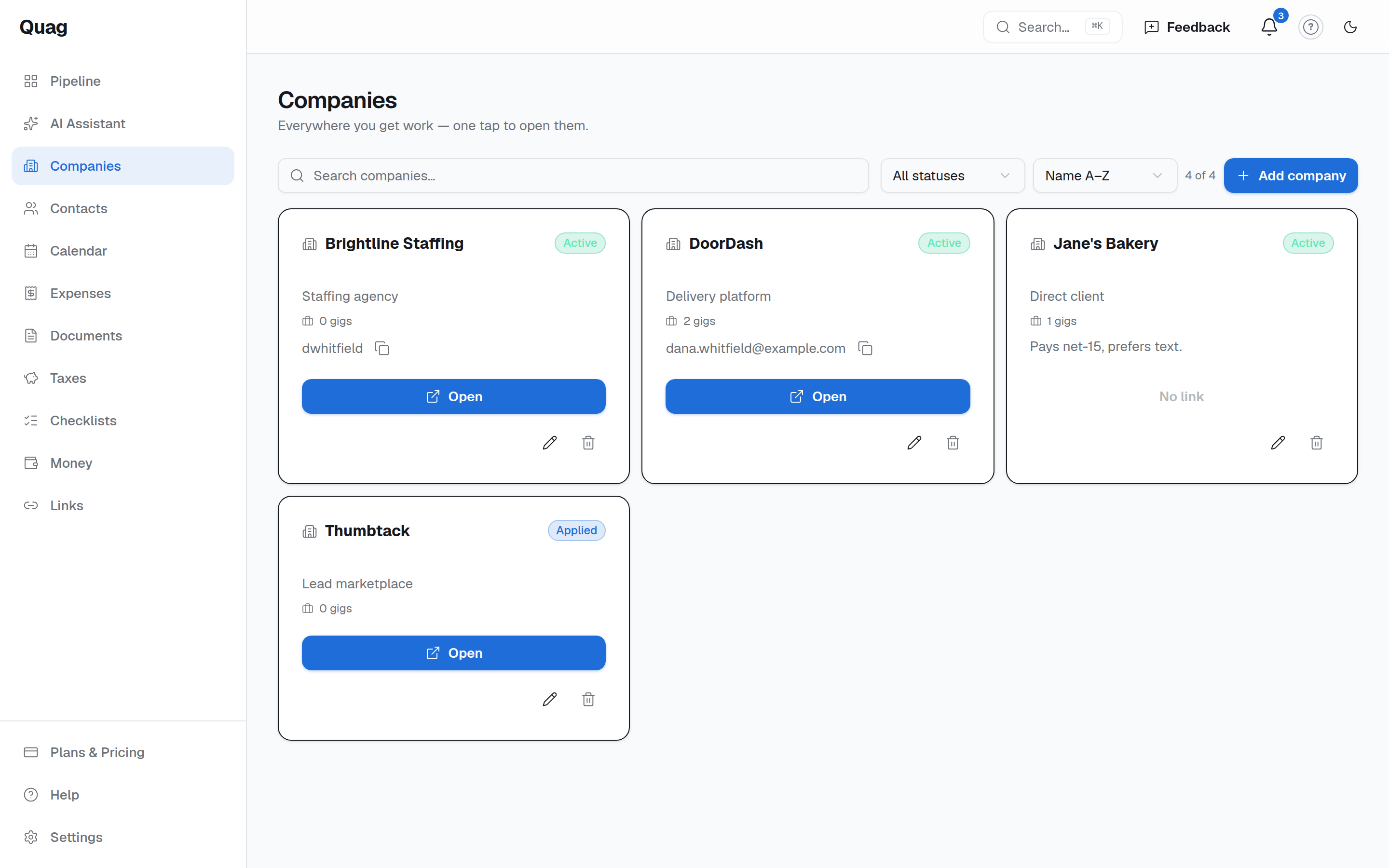
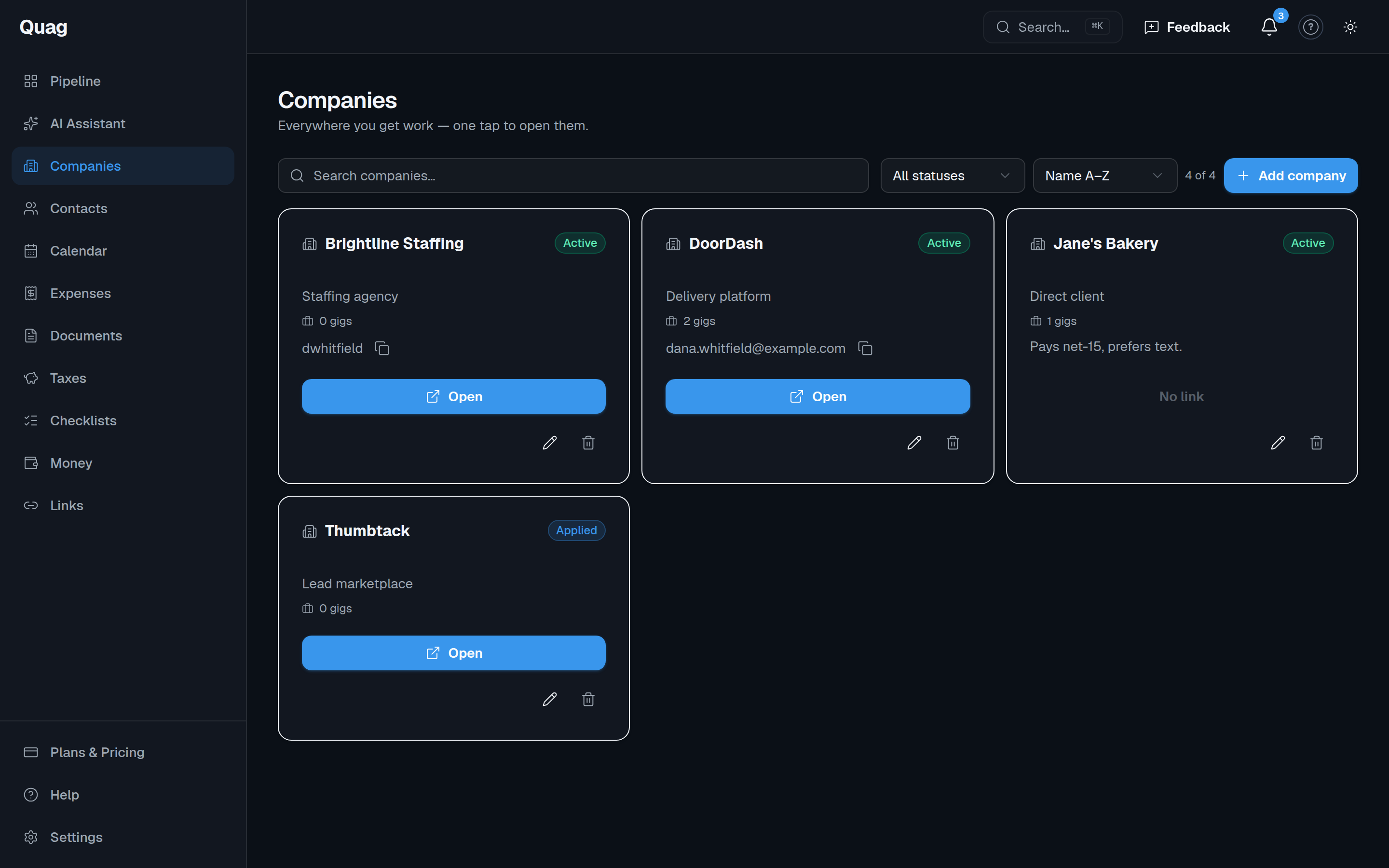
All your companies, one tap away
Store every platform, agency, and client with a launch link, status, and a note of the username you log in with. Open any of them instantly.
Expenses + mileage, deduction-ready
Log expenses and miles; Quag values mileage at the IRS rate automatically so your deductions stay organized as you go.
Know what to set aside for taxes
Quag estimates your quarterly set-aside straight from the income and expenses you’ve logged.
Every document, with expiry alerts
1099s, COIs, contracts, certs, receipts — stored, searchable, and flagged before they expire.
Your whole schedule in view
See every scheduled job on one calendar, plus reminders so nothing slips through the cracks.
Everywhere you get work
Every platform, agency, and client — one tap away
Save each place you work with a launch link, your username, and a status. Open any of them instantly — and carry the whole thing in your pocket as a home-screen app.
- Launch links + saved usernames for every platform
- One calendar for every scheduled job
- Installs to your phone home screen, and stays offline-friendly (PWA)
Who it’s for
Built for independent work
If your income comes from more than one place, Quag is your back office.
Gig workers
Drive, deliver, freelance, or hustle across apps — see every platform and payout in one view.
Brand ambassadors
Juggle events and agencies without losing a booking, a contact, or an unpaid invoice.
1099 contractors
Run multi-client work like a real business — pipeline, docs, expenses, and taxes together.
FAQ
Frequently asked questions
Straight answers about how Quag runs the back office for independent work.
What is Quag?+
Quag is an all-in-one back office for independent and multi-platform work. It keeps every job, company, contact, expense, document, and payment in one place — from first lead to final payment — so you stop juggling spreadsheets, apps, and notes.
Who is Quag for?+
Gig workers who drive, deliver, or freelance across multiple apps; brand ambassadors juggling events and agencies; and 1099 contractors running multi-client work. If your income comes from more than one place, Quag is your back office.
Does Quag track mileage and expenses for taxes?+
Yes. Log expenses and miles as you work, and Quag values your mileage at the IRS rate automatically so your deductions stay organized and ready when you file. It also estimates your quarterly tax set-aside from the income and expenses you log.
Can Quag handle work from many platforms at once?+
Yes — that is the whole point. Store every platform, agency, and client with a launch link and status, and see all your jobs and payouts across sources on one pipeline and one calendar.
Does Quag store my documents and remind me before they expire?+
1099s, COIs, contracts, certs, and receipts are stored, searchable, and flagged before they expire, so a lapsed certificate never costs you a booking.
How much does Quag cost?+
Quag is free to start and works on your phone — add it to your home screen and open it like an app. See current plans on the pricing page.
Do I need to install anything?+
No. Quag runs in your browser and installs as a home-screen app on your phone (PWA). There is nothing to download from an app store.
Get your work life in one place
Stop juggling spreadsheets, apps, and notes. Bring every gig, client, and dollar under one roof.
Get started freeFree to start · works on your phone (add to home screen)